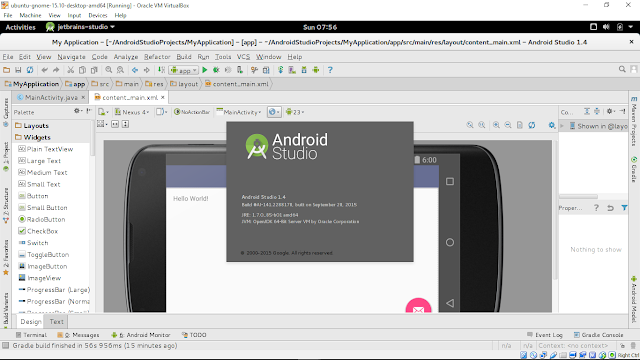
This video show how to setup /etc/udev/rules.d/51-android.rules in Ubuntu (behind VirtualBox) to enable hardware device debugging in Android Studio.
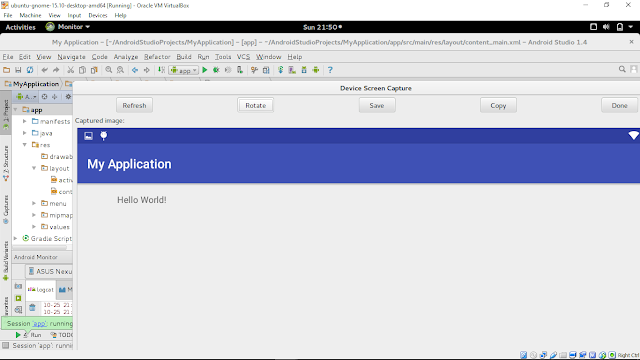
The development platform is 64-bit Ubuntu-GNOME 15.10 running in VirtualBox, with Android Studio installed with Ubuntu Make (umake).
To enable hardware device debugging in Ubuntu, you have to create /etc/udev/rules.d/51-android.rules file to add device IDs for your debugging devices. (refer: Android Developers Document Using Hardware Devices - Setting up a Device for Development)
Create /etc/udev/rules.d/51-android.rules file with sudo right, add the line and save:
Run the command:
$ sudo chmod a+r /etc/udev/rules.d/51-android.rules
This video show how to, behind VirtualBox.
Read More..
The development platform is 64-bit Ubuntu-GNOME 15.10 running in VirtualBox, with Android Studio installed with Ubuntu Make (umake).
To enable hardware device debugging in Ubuntu, you have to create /etc/udev/rules.d/51-android.rules file to add device IDs for your debugging devices. (refer: Android Developers Document Using Hardware Devices - Setting up a Device for Development)
Create /etc/udev/rules.d/51-android.rules file with sudo right, add the line and save:
SUBSYSTEM=="usb", ATTR{idVendor}=="18d1", MODE="0666", GROUP="plugdev"
Run the command:
$ sudo chmod a+r /etc/udev/rules.d/51-android.rules
This video show how to, behind VirtualBox.