Pages

Showing posts with label key. Show all posts

Thursday, May 12, 2016

Android NFC readBlock for MifareClassic to dump data in RFID tag


Last example "Android NFC read MifareClassic RFID tag, with android.nfc.action.TECH_DISCOVERED" read some general info of the RFID tag; such as type, size... This example dump the data inside the tag by calling readBlock() of MifareClassic.

Test on bland new MifareClassic RFID Card and Key.
(Android Studio project and signed APK are available on bottom of this post, you can test on your Android devices)


MifareClassic.readBlock() is an I/O operation and will block until complete. It must not be called from the main application thread. So we have to implement our AsyncTask to perform in background thread.

Modify MainActivity.java in last example:
package com.blogspot.android_er.androidnfctechdiscovered;

import android.content.Intent;
import android.nfc.NfcAdapter;
import android.nfc.Tag;
import android.nfc.tech.MifareClassic;
import android.os.AsyncTask;
import android.os.Bundle;
import android.support.v7.app.AppCompatActivity;
import android.widget.TextView;
import android.widget.Toast;

import java.io.IOException;

public class MainActivity extends AppCompatActivity {

private NfcAdapter nfcAdapter;
TextView textViewInfo, textViewTagInfo, textViewBlock;

@Override
protected void onCreate(Bundle savedInstanceState) {
super.onCreate(savedInstanceState);
setContentView(R.layout.activity_main);
textViewInfo = (TextView)findViewById(R.id.info);
textViewTagInfo = (TextView)findViewById(R.id.taginfo);
textViewBlock = (TextView)findViewById(R.id.block);

nfcAdapter = NfcAdapter.getDefaultAdapter(this);
if(nfcAdapter == null){
Toast.makeText(this,
"NFC NOT supported on this devices!",
Toast.LENGTH_LONG).show();
finish();
}else if(!nfcAdapter.isEnabled()){
Toast.makeText(this,
"NFC NOT Enabled!",
Toast.LENGTH_LONG).show();
finish();
}
}

@Override
protected void onResume() {
super.onResume();

Intent intent = getIntent();
String action = intent.getAction();

if (NfcAdapter.ACTION_TECH_DISCOVERED.equals(action)) {
Toast.makeText(this,
"onResume() - ACTION_TECH_DISCOVERED",
Toast.LENGTH_SHORT).show();

Tag tag = intent.getParcelableExtra(NfcAdapter.EXTRA_TAG);
if(tag == null){
textViewInfo.setText("tag == null");
}else{
String tagInfo = tag.toString() + " ";

tagInfo += " Tag Id: ";
byte[] tagId = tag.getId();
tagInfo += "length = " + tagId.length +" ";
for(int i=0; i<tagId.length; i++){
tagInfo += String.format("%02X", tagId[i] & 0xff) + " ";
}
tagInfo += " ";

String[] techList = tag.getTechList();
tagInfo += " Tech List ";
tagInfo += "length = " + techList.length +" ";
for(int i=0; i<techList.length; i++){
tagInfo += techList[i] + " ";
}

textViewInfo.setText(tagInfo);

//Only android.nfc.tech.MifareClassic specified in nfc_tech_filter.xml,
//so must be MifareClassic
readMifareClassic(tag);
}
}else{
Toast.makeText(this,
"onResume() : " + action,
Toast.LENGTH_SHORT).show();
}
}

public void readMifareClassic(Tag tag){
MifareClassic mifareClassicTag = MifareClassic.get(tag);

String typeInfoString = "--- MifareClassic tag --- ";
int type = mifareClassicTag.getType();
switch(type){
case MifareClassic.TYPE_PLUS:
typeInfoString += "MifareClassic.TYPE_PLUS ";
break;
case MifareClassic.TYPE_PRO:
typeInfoString += "MifareClassic.TYPE_PRO ";
break;
case MifareClassic.TYPE_CLASSIC:
typeInfoString += "MifareClassic.TYPE_CLASSIC ";
break;
case MifareClassic.TYPE_UNKNOWN:
typeInfoString += "MifareClassic.TYPE_UNKNOWN ";
break;
default:
typeInfoString += "unknown...! ";
}

int size = mifareClassicTag.getSize();
switch(size){
case MifareClassic.SIZE_1K:
typeInfoString += "MifareClassic.SIZE_1K ";
break;
case MifareClassic.SIZE_2K:
typeInfoString += "MifareClassic.SIZE_2K ";
break;
case MifareClassic.SIZE_4K:
typeInfoString += "MifareClassic.SIZE_4K ";
break;
case MifareClassic.SIZE_MINI:
typeInfoString += "MifareClassic.SIZE_MINI ";
break;
default:
typeInfoString += "unknown size...! ";
}

int blockCount = mifareClassicTag.getBlockCount();
typeInfoString += "BlockCount = " + blockCount + " ";
int sectorCount = mifareClassicTag.getSectorCount();
typeInfoString += "SectorCount = " + sectorCount + " ";

textViewTagInfo.setText(typeInfoString);

new ReadMifareClassicTask(mifareClassicTag).execute();

}

private class ReadMifareClassicTask extends AsyncTask<Void, Void, Void> {

/*
MIFARE Classic tags are divided into sectors, and each sector is sub-divided into blocks.
Block size is always 16 bytes (BLOCK_SIZE). Sector size varies.
MIFARE Classic 1k are 1024 bytes (SIZE_1K), with 16 sectors each of 4 blocks.
*/

MifareClassic taskTag;
int numOfBlock;
final int FIX_SECTOR_COUNT = 16;
boolean success;
final int numOfSector = 16;
final int numOfBlockInSector = 4;
byte[][][] buffer = new byte[numOfSector][numOfBlockInSector][MifareClassic.BLOCK_SIZE];

ReadMifareClassicTask(MifareClassic tag){
taskTag = tag;
success = false;
}

@Override
protected void onPreExecute() {
textViewBlock.setText("Reading Tag, dont remove it!");
}

@Override
protected Void doInBackground(Void... params) {

try {
taskTag.connect();

for(int s=0; s<numOfSector; s++){
if(taskTag.authenticateSectorWithKeyA(s, MifareClassic.KEY_DEFAULT)) {
for(int b=0; b<numOfBlockInSector; b++){
int blockIndex = (s * numOfBlockInSector) + b;
buffer[s][b] = taskTag.readBlock(blockIndex);
}
}
}

success = true;
} catch (IOException e) {
e.printStackTrace();
} finally{
if(taskTag!=null){
try {
taskTag.close();
} catch (IOException e) {
e.printStackTrace();
}
}
}

return null;
}

@Override
protected void onPostExecute(Void aVoid) {
//display block
if(success){
String stringBlock = "";
for(int i=0; i<numOfSector; i++){
stringBlock += i + " : ";
for(int j=0; j<numOfBlockInSector; j++){
for(int k=0; k<MifareClassic.BLOCK_SIZE; k++){
stringBlock += String.format("%02X", buffer[i][j][k] & 0xff) + " ";
}
stringBlock += " ";
}
stringBlock += " ";
}
textViewBlock.setText(stringBlock);
}else{
textViewBlock.setText("Fail to read Blocks!!!");
}
}
}
}


layout/activity_main.xml
<?xml version="1.0" encoding="utf-8"?>
<LinearLayout


android_layout_width="match_parent"
android_layout_height="match_parent"
android_padding="16dp"
android_orientation="horizontal"
tools_context=".MainActivity">

<LinearLayout
android_layout_width="0dp"
android_layout_height="match_parent"
android_layout_weight="1"
android_orientation="vertical">

<TextView
android_layout_width="wrap_content"
android_layout_height="wrap_content"
android_layout_margin="10dp"
android_layout_gravity="center_horizontal"
android_autoLink="web"
android_text="http://android-er.blogspot.com/"
android_textStyle="bold"/>

<TextView
android_id="@+id/info"
android_layout_width="match_parent"
android_layout_height="wrap_content"
android_textStyle="italic"/>

<TextView
android_id="@+id/taginfo"
android_layout_width="match_parent"
android_layout_height="wrap_content"
android_textStyle="bold"/>

</LinearLayout>

<ScrollView
android_layout_width="0dp"
android_layout_height="match_parent"
android_layout_weight="1">
<TextView
android_id="@+id/block"
android_layout_width="match_parent"
android_layout_height="wrap_content"
android_typeface="monospace"/>
</ScrollView>
</LinearLayout>

Other files, AndroidManifest.xml and nfc_tech_filter.xml, refer to last example "Android NFC read MifareClassic RFID tag, with android.nfc.action.TECH_DISCOVERED"

download filesDownload the files (Android Studio Format) .

download filesDownload APK .


- Similarly example run on Arduino: Arduino Uno + RFID-RC522, MFRC522 library example DumpInfo
- Step-by-step to make MFRC522-python work on Raspberry Pi 2/raspbian Jessie, read RFID tags using RFID Reader, RFID-RC522.
- Raspberry Pi 2 + MFRC522-python - Dump RFID Tag data using mxgxw/MFRC522-python

Read More..

Friday, May 6, 2016

Android Menus part 4 Alternative menus

Android offers a third type of menus: Alternative menus which allow multiple applications to use each other. An application menu can contain menu items that point to other applications that deal with a certain data type that is passed from the application by an intent.

This functionality is related to the concept of Content Providers which is in brief the ability of an application to expose its data (stored in a database or a file) by defining a MIME type to it and through a content URI to be accessed by any other application through this URI.

For example if an application name Employees has some data of employees stored within this application context, and another application wants to access this data; then Employees application should declare a content provider  to expose its data, with a MIME type:

vnd.android.cursor.item/mina.android.Employees so any other application can access the employees data by calling the Uri content://employees/All to access all employees or the Uri content://employees/1 to access a single employee instance (for example).

Back to our Alternative menus issue, suppose this Scenario: We have two applications:
  1. Application A: deals with the employees data.
  2. Application B: receives the content Uri of the employees and do some calculations on it.
Now we want to add an alternative menu item in an activity in Application A so that when clicked passes a URI of employees and launches an activity in Application B (that manipulates the employees data according to the URI received).

So to add the alternative menu item in the activity of Application A, we write the following in onCreateOptionsMenu method:
public boolean onCreateOptionsMenu(Menu menu) {

//adds a regular menu item
menu.add("Regular item");
//create the intent with the Uri of the employees content provider
Intent targetIntent=
new Intent(Intent.ACTION_VIEW, Uri.parse("content://employees/All"));
targetIntent.addCategory(Intent.CATEGORY_ALTERNATIVE);
menu.addIntentOptions(Menu.CATEGORY_ALTERNATIVE, //item group
Menu.CATEGORY_ALTERNATIVE, //item id
Menu.CATEGORY_ALTERNATIVE, //item order
this.getComponentName(), //our activity class name
null, //no specific menu items required
targetIntent, // the intent to handle
0, //no flags
null); //Optional array in which to place the menu
//items that were generated for each of
//the specifics that were requested

return true;
}
Heres what we did:
  • Create an intent with the desired action (Intent.ACTION_VIEW) on the specified content provider Uri (content://employees/All).
  • Call addIntentOptions method with the specified parameters.
The above code adds a menu item that launches all possible activities in all applications on the device that can deal with the action Intent.ACTION_VIEW on the Uri content://employees/All.

Now in Application B, if we want it to handle such an intent we have to do the following.

Define an activity in the application and specify in the AndroidManifest.xml file that this activity can handle the requests of the employees content provider like this:
<activity android_name=".ContentProvidersDemo" android_label="@string/app_name">

<intent-filter android_label="Access Employees">
<action android_name="android.intent.action.VIEW" />
<category android_name="android.intent.category.DEFAULT" />
<category android_name="android.intent.category.ALTERNATIVE" />
<data android_mimeType="vnd.android.cursor.item/mina.android.Employees" />
</intent-filter>
</activity>
The above IntentFilter means that this activity will respond t0 any implicit intent from any application with the following parameters:
  1. Action: Intent.ACTION_VIEW.
  2. Category: android.intent.category.ALTERNATIVE.
  3. Data of MIME type:vnd.android.cursor.item/mina.android.Employees.
So in Application A when you press on the menu button, youll see a menu like this:


When you press on the Access Employees menu item, the activity in Application B will be launched.


Read More..

Tuesday, May 3, 2016

Smadav Pro Rev 10 4 Full Free Serial Number Key Terbaru 2016

Read More..

Monday, March 21, 2016

Bluelight Filter v1 55 Licence Key for Android

Bluelight Lincense


This is a paid version license key for "Bluelight filter for eye care". First install the free version, then install the License Key.

? Free Eye Care App
You can reduce your eye strain easily.
It's simple but effective!
Only you have to do is to launch this app once.
Read More..

Friday, March 18, 2016

Zombie Judgment Day! MOD GOLD KEY Android Game Moded


Salam Blogger :)
Malam yang penuh dengan kegelapan ini kayaknya -_- . yasudahlah, yuk kita share lagi. android game mod nya. kali ini gua mau share Zombie Judgment Day! . yg sudah di mod. game ini simple sih, tapi agak susah klo ga make mod. pasti bakal kewalahan. udahlah udh ngantuk juga, langsung aja yuk cek it :

Details Game: 
Name      : Zombie Judgment Day!
Genre      : Casual, Action
Platform  : Android 
Requires  : Android 2.3.3  and up

Modification on Game: 
- MOD GOLD 2.000.000.000
- MOD KEY


Review Modif:

Screenshoot:


Tutorial Instal : 
1. Download game. 
2. Pindahkan Game ke Androidmu.
3. Uniinstal Version originalnya, jika ada.
4. Instal MOD apk & Play
5. Enjoyyy 


|DOWNLOAD|
Zombie Judgment Day! - MOD GOLD&KEY[Android Game : Moded]

|Download Original game|
On Playstore

#Salam Blogger
#Semoga bermanfaat :)
#Ask? comment :) 
Read More..

Thursday, March 17, 2016

Winter Fugitives stealth game Unlimited Gold Key Android Game Moded


Salam blogger :) 
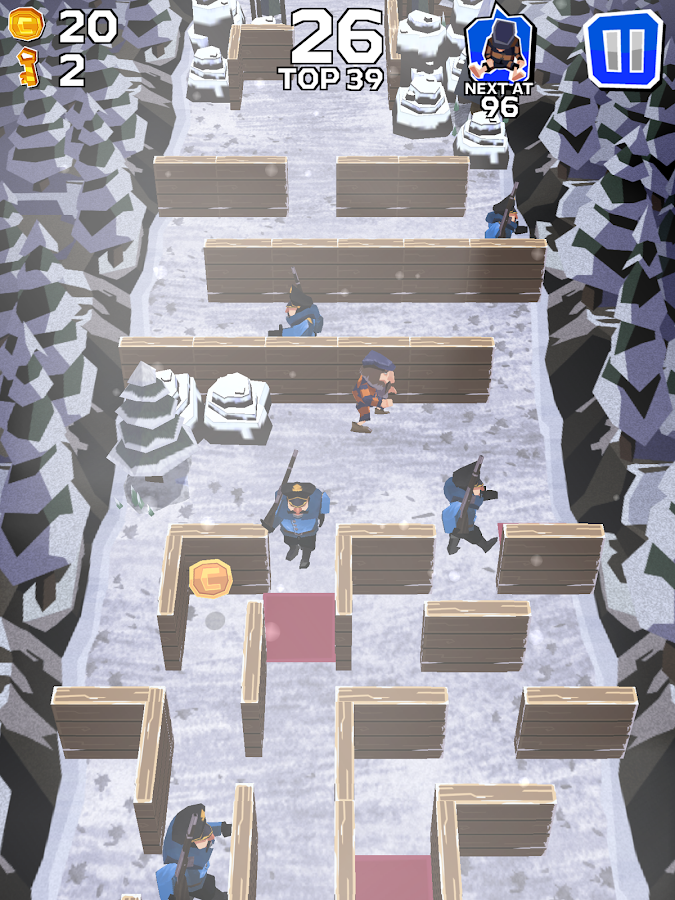
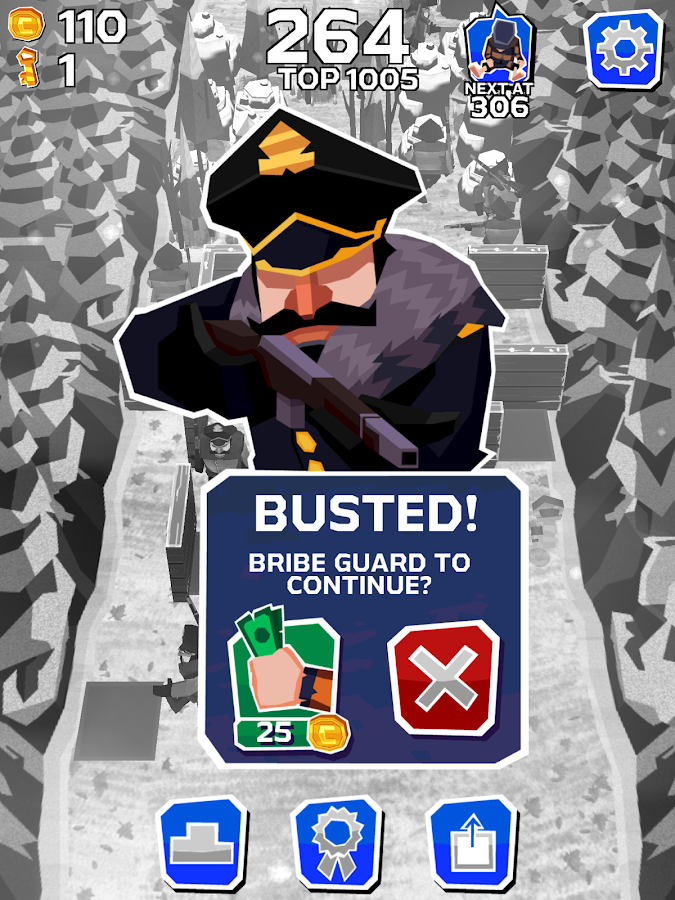
Hey kalian semua udh pada makan siang belom hayyo?? oke kali ini ane mau share game mod. berkisah tahanan yang lgi melarikan diri dari penjara, dan kita jgn sampe ketauan oleh para sipir. klo ketauan kita di tembak. haha. oke cek it mod nya .. 

Details Game: 
Name       : Winter Fugitives: stealth game
Genre       : Action
Platform  : Android 
Requires  : Android 4.0  and up

Modification on Game: 
- MOD Gold/Key

Review Modif:


Screenshoot:


Tutorial Instal : 
1. Download game. 
2. Pindahkan Game ke Androidmu.
3. Uniinstal Version originalnya, jika ada.
4. Instal MOD apk & Play
5. Enjoyyy 

|DOWNLOAD|
Winter Fugitives: stealth game - Unlimited Gold/Key[Android Game : Moded]

|Download Original game|
On Playstore

#Salam Blogger
#Semoga bermanfaat :)
#Ask? comment :)
Read More..

Friday, March 11, 2016

Lemonade Tycoon Deluxe PC Full with Key

Lemonade Tycoon, first released as Lemonade Inc., is a Shockwave-based game. A free, limited version is available for online play at many sites or the full version with no time restrictions can be purchased online. The goal of Lemonade Tycoon is to sell lemonade for profit.
While selling lemonade, players must look over many aspects of their business. Players decide on a recipe, set prices, and sell lemonade in a variety of locations. The game includes changing weather and news, which the player must compensate for. To overcome some factors, such as long lines and stock, players can buy upgrades. The packaged version included versions for PC, Mobile Phones, Windows Mobile Professional devices, and Palm devices. Lemonade Tycoon employs a concept called "Game-On" which allows users to transfer game saves from a Windows PC to a Palm handheld or Windows Mobile Professional device and back again to continue.
Read More..

Tuesday, March 8, 2016

Beasts Battle Unlimited GOLD Android Game Moded


Salam blogger :)
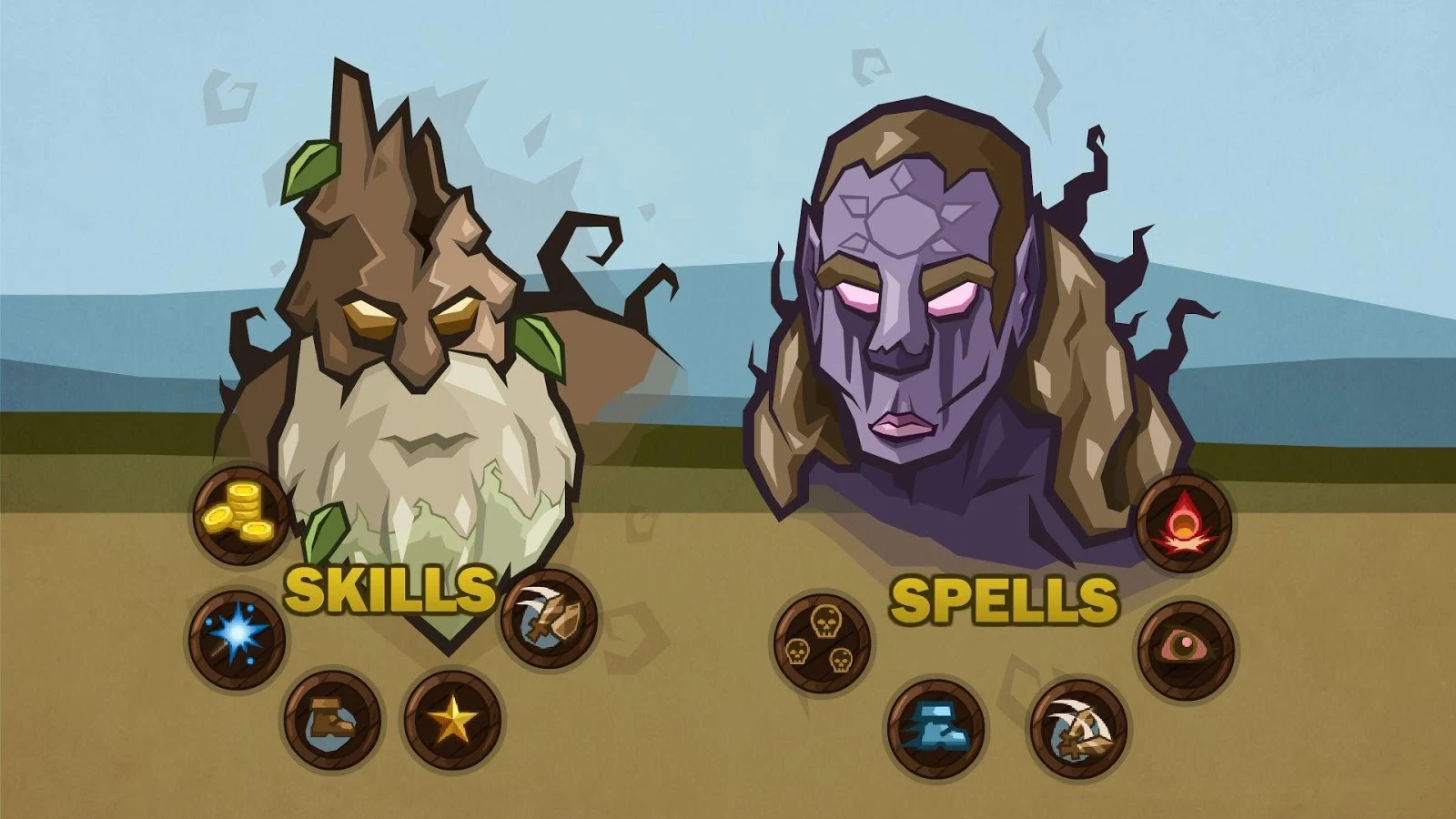
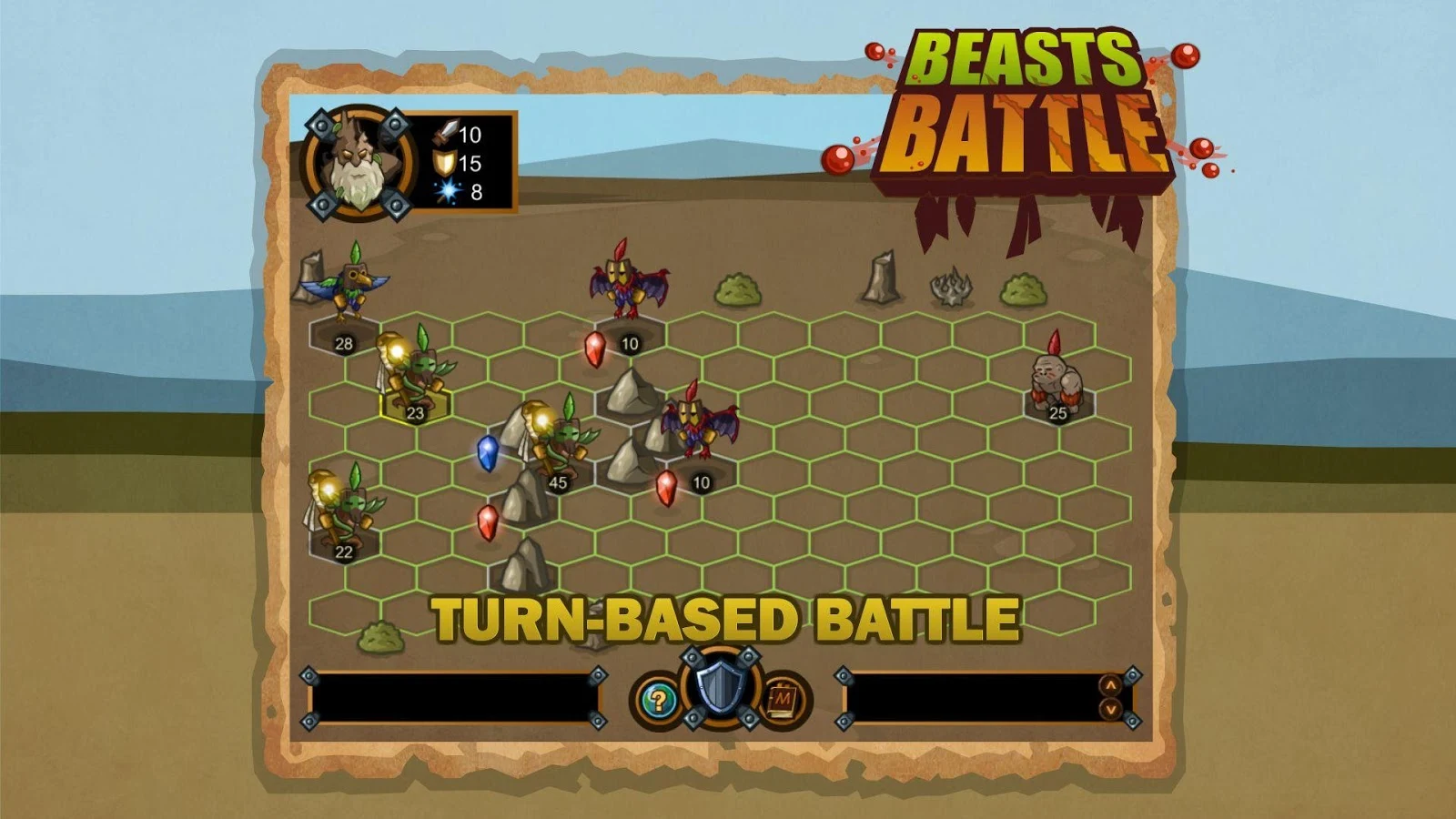
Hehe ketmu lagi nih di kategori Android game MOD:D , Oke kali ini ane mau share Game mod lagi, kali ini game strategi gan. Game ini game perang tapi harus memakai otak, dan awal kita di suruh memilih char, tiap char punya skill yang berbeda dan alur cerita yang berbeda. Oke langsung aja di cek it dot gan :

Details Game: 
Name      : Beasts Battle
Genre      : Strategi
Platform  : Android 
Requires  : Android 2.2  and up

Modification on Game: 
- Unlimited Gold


Review Modif:

Screenshoot:


Tutorial Instal : 
1. Download game. 
2. Pindahkan Game ke Androidmu.
3. Uniinstal Version originalnya, jika ada.
4. Instal MOD apk & Play
5. Enjoyyy 


|DOWNLOAD|
Beasts Battle - Unlimited GOLD[Android Game : Moded]

|Download Original game|
On Playstore

#Salam Blogger
#Semoga bermanfaat :)
#Ask? comment :)
Read More..

Tuesday, February 9, 2016

Armorslays Unlimited Money Android Game Moded


Salam blogger :)
its mod ArmorSlays, game action dimana kita di kerumunin banyak musuh dan kita harus menumpas musuh2 per wave , cek it..

Details Game: 
Name       : Armorslays
Version    : 1.6
Genre       : Action
Platform  : Android 
Requires  : Android 4.0  and up

Modification on Game: 
1. Unlimited Money

Review Modif:

Screenshoot:


Tutorial Instal : 
1. Download game. 
2. Pindahkan Game ke Androidmu.
3. Uniinstal Version originalnya, jika ada.
4. Instal MOD apk & Play
5. Enjoyyy 

|DOWNLOAD|
Armorslays - Unlimited Money[Android Game : Moded]

|Download Original game|
On Playstore

#Salam Blogger
#Semoga bermanfaat :)
#Ask? comment
Read More..