Pages

Showing posts with label open. Show all posts

Monday, May 9, 2016

Bad Nerd Open World RPG Mod Money Android Game Moded


Salam Blogger :) 
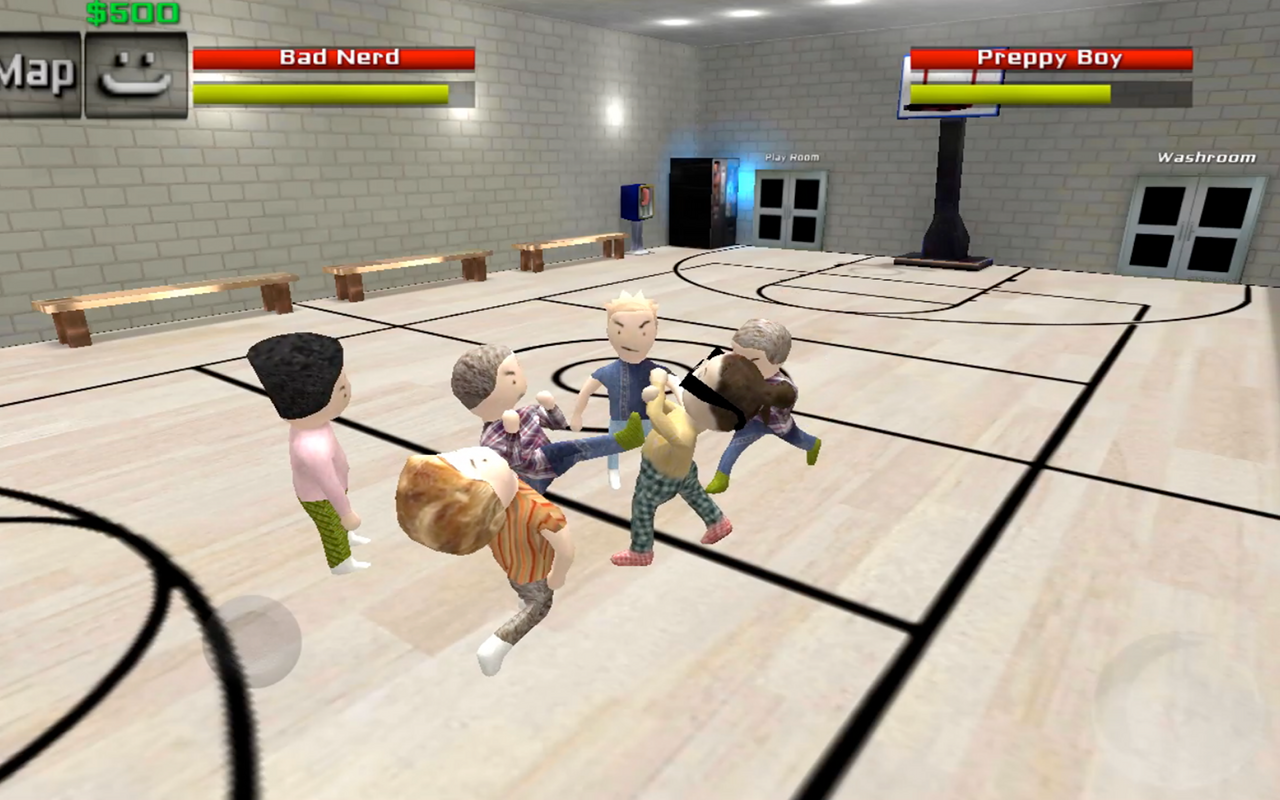
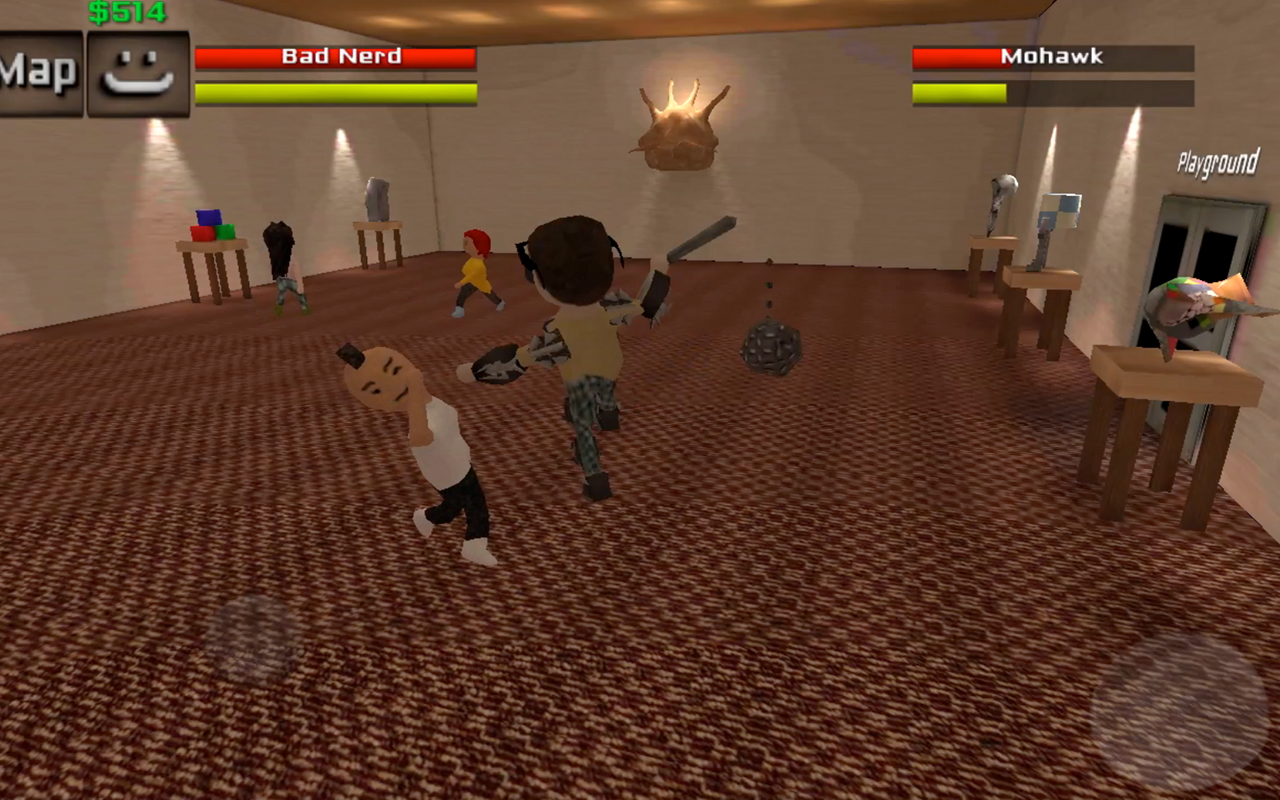
Update game mod lagi nih, game ini mengisahkan anak sekolah yg selalu di bully , dan iya ingin balas dendam kepada yg sering membuli dia. game yg bertema sekolah ini jgn terlalu di applikasikan ke dunia real ya. karena di dalam game ini banyak senjata2 parah utk membalas dendam. haha.. Oke nikmati saja Game nya :) 

Details Game: 
Name      : Bad Nerd: Open World RPG
Genre      : RPG
Platform  : Android 
Requires  : Android 2.2  and up

Modification on Game: 
- Mod Money ( Money akan bertambah jika di belanjakan)


Review Modif:

Screenshoot:


Tutorial Instal : 
1. Download game. 
2. Pindahkan Game ke Androidmu.
3. Uniinstal Version originalnya, jika ada.
4. Instal MOD apk & Play
5. Enjoyyy 


|DOWNLOAD|
Bad Nerd: Open World RPG - Mod Money[Android Game : Moded]

|Download Original game|
On Playstore

#Salam Blogger
#Semoga bermanfaat :)
#Ask? comment :)
Read More..

Cara Mempercepat Booting Ponsel Android

Read More..

Saturday, May 7, 2016

Hopeless The Dark Cave Unlimited gold Blobs Android Game Moded


Salam blogger :)
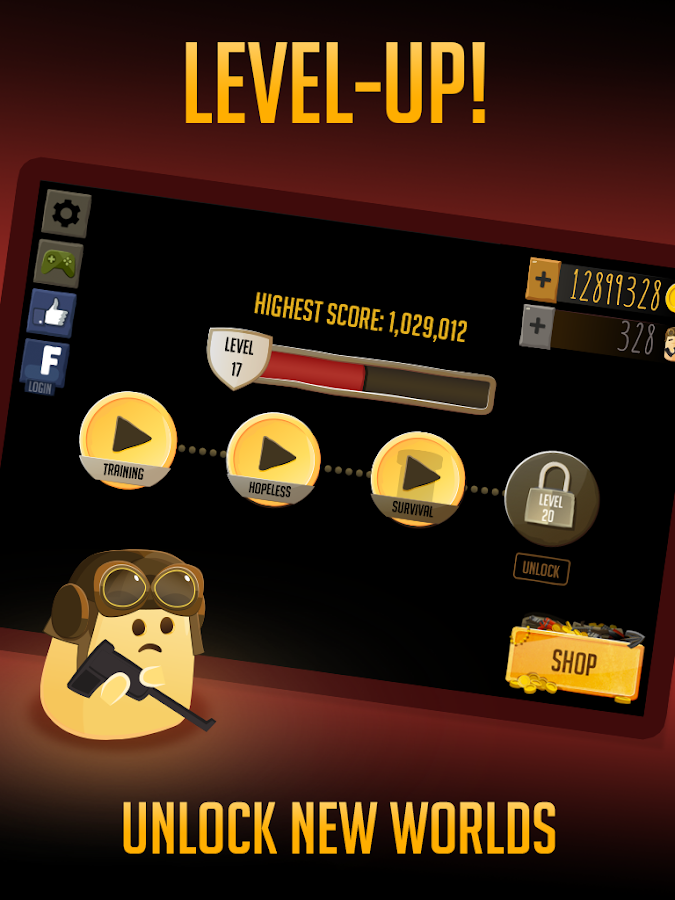
Selamat hari minggu , hari libur untuk kita semua. gmna kabar kalian baik ? oke , kali ini ane mau share game mod lagi nih. game nya lumayan seru, bisa melatih ke telitian kita dan characternya imut" haha. oke cek it.. semoga hari minggu mu indah :)

Details Game: 
Name      : Hopeless: The Dark Cave
Genre      : Action
Platform  : Android 
Requires  : Android 4.1  and up

Modification on Game: 
- Unlimited Gold
- Unlimited Blobs


Review Modif:


Screenshoot:


Tutorial Instal : 
1. Download game. 
2. Pindahkan Game ke Androidmu.
3. Uniinstal Version originalnya, jika ada.
4. Instal MOD apk & Play
5. Enjoyyy 

|DOWNLOAD|
Hopeless: The Dark Cave - Unlimited gold/Blobs[Android Game : Moded]

|Download Original game|
On Playstore

#Salam Blogger
#Semoga bermanfaat :)
#Ask? comment :)
Read More..

Tuesday, April 5, 2016

Open image free draw something on bitmap and save bitmap to ExternalStorage

Example to load image with intent of Intent.ACTION_PICK, free draw something on the image, and save the bitmap to storage.


I have a series example of "Something about processing images in Android", but have show how to save the result bitmap to SD Card. This example modify from one of the example "Detect touch and free draw on Bitmap", add the function to save the result bitmap to External Storage, with file name "test.jpg".


layout/activity_main.xml
<?xml version="1.0" encoding="utf-8"?>
<LinearLayout

android_layout_width="match_parent"
android_layout_height="match_parent"
android_padding="16dp"
android_orientation="vertical"
tools_context="com.blogspot.android_er.androiddrawbitmap.MainActivity">

<TextView
android_layout_width="wrap_content"
android_layout_height="wrap_content"
android_layout_gravity="center_horizontal"
android_autoLink="web"
android_text="http://android-er.blogspot.com/"
android_textStyle="bold" />

<Button
android_id="@+id/loadimage"
android_layout_width="match_parent"
android_layout_height="wrap_content"
android_text="Load Image" />

<Button
android_id="@+id/saveimage"
android_layout_width="match_parent"
android_layout_height="wrap_content"
android_text="Save Image" />

<ImageView
android_id="@+id/result"
android_scaleType="centerInside"
android_adjustViewBounds="true"
android_layout_gravity="center"
android_layout_width="wrap_content"
android_layout_height="wrap_content"
android_background="@android:color/background_dark" />
</LinearLayout>


MainActivity.java
package com.blogspot.android_er.androiddrawbitmap;

import android.content.Intent;
import android.graphics.Bitmap;
import android.graphics.BitmapFactory;
import android.graphics.Canvas;
import android.graphics.Color;
import android.graphics.Paint;
import android.net.Uri;
import android.os.Bundle;
import android.os.Environment;
import android.support.v7.app.AppCompatActivity;
import android.view.MotionEvent;
import android.view.View;
import android.widget.Button;
import android.widget.ImageView;
import android.widget.Toast;

import java.io.File;
import java.io.FileNotFoundException;
import java.io.FileOutputStream;
import java.io.IOException;

public class MainActivity extends AppCompatActivity {

Button btnLoadImage, btnSaveImage;
ImageView imageResult;

final int RQS_IMAGE1 = 1;

Uri source;
Bitmap bitmapMaster;
Canvas canvasMaster;

int prvX, prvY;

Paint paintDraw;

@Override
protected void onCreate(Bundle savedInstanceState) {
super.onCreate(savedInstanceState);
setContentView(R.layout.activity_main);

btnLoadImage = (Button)findViewById(R.id.loadimage);
btnSaveImage = (Button)findViewById(R.id.saveimage);
imageResult = (ImageView)findViewById(R.id.result);

paintDraw = new Paint();
paintDraw.setStyle(Paint.Style.FILL);
paintDraw.setColor(Color.WHITE);
paintDraw.setStrokeWidth(10);

btnLoadImage.setOnClickListener(new View.OnClickListener() {

@Override
public void onClick(View arg0) {
Intent intent = new Intent(Intent.ACTION_PICK,
android.provider.MediaStore.Images.Media.EXTERNAL_CONTENT_URI);
startActivityForResult(intent, RQS_IMAGE1);
}
});

btnSaveImage.setOnClickListener(new View.OnClickListener() {
@Override
public void onClick(View v) {
if(bitmapMaster != null){
saveBitmap(bitmapMaster);
}
}
});

imageResult.setOnTouchListener(new View.OnTouchListener() {

@Override
public boolean onTouch(View v, MotionEvent event) {

int action = event.getAction();
int x = (int) event.getX();
int y = (int) event.getY();
switch (action) {
case MotionEvent.ACTION_DOWN:
prvX = x;
prvY = y;
drawOnProjectedBitMap((ImageView) v, bitmapMaster, prvX, prvY, x, y);
break;
case MotionEvent.ACTION_MOVE:
drawOnProjectedBitMap((ImageView) v, bitmapMaster, prvX, prvY, x, y);
prvX = x;
prvY = y;
break;
case MotionEvent.ACTION_UP:
drawOnProjectedBitMap((ImageView) v, bitmapMaster, prvX, prvY, x, y);
break;
}
/*
* Return true to indicate that the event have been consumed.
* If auto-generated false, your code can detect ACTION_DOWN only,
* cannot detect ACTION_MOVE and ACTION_UP.
*/
return true;
}
});
}

/*
Project position on ImageView to position on Bitmap draw on it
*/

private void drawOnProjectedBitMap(ImageView iv, Bitmap bm,
float x0, float y0, float x, float y){
if(x<0 || y<0 || x > iv.getWidth() || y > iv.getHeight()){
//outside ImageView
return;
}else{

float ratioWidth = (float)bm.getWidth()/(float)iv.getWidth();
float ratioHeight = (float)bm.getHeight()/(float)iv.getHeight();

canvasMaster.drawLine(
x0 * ratioWidth,
y0 * ratioHeight,
x * ratioWidth,
y * ratioHeight,
paintDraw);
imageResult.invalidate();
}
}

@Override
protected void onActivityResult(int requestCode, int resultCode, Intent data) {
super.onActivityResult(requestCode, resultCode, data);

Bitmap tempBitmap;

if(resultCode == RESULT_OK){
switch (requestCode){
case RQS_IMAGE1:
source = data.getData();

try {
//tempBitmap is Immutable bitmap,
//cannot be passed to Canvas constructor
tempBitmap = BitmapFactory.decodeStream(
getContentResolver().openInputStream(source));

Bitmap.Config config;
if(tempBitmap.getConfig() != null){
config = tempBitmap.getConfig();
}else{
config = Bitmap.Config.ARGB_8888;
}

//bitmapMaster is Mutable bitmap
bitmapMaster = Bitmap.createBitmap(
tempBitmap.getWidth(),
tempBitmap.getHeight(),
config);

canvasMaster = new Canvas(bitmapMaster);
canvasMaster.drawBitmap(tempBitmap, 0, 0, null);

imageResult.setImageBitmap(bitmapMaster);
} catch (FileNotFoundException e) {
// TODO Auto-generated catch block
e.printStackTrace();
}

break;
}
}
}

private void saveBitmap(Bitmap bm){
File file = Environment.getExternalStorageDirectory();
File newFile = new File(file, "test.jpg");

try {
FileOutputStream fileOutputStream = new FileOutputStream(newFile);
bm.compress(Bitmap.CompressFormat.JPEG, 100, fileOutputStream);
fileOutputStream.flush();
fileOutputStream.close();
Toast.makeText(MainActivity.this,
"Save Bitmap: " + fileOutputStream.toString(),
Toast.LENGTH_LONG).show();
} catch (FileNotFoundException e) {
e.printStackTrace();
Toast.makeText(MainActivity.this,
"Something wrong: " + e.getMessage(),
Toast.LENGTH_LONG).show();
} catch (IOException e) {
e.printStackTrace();
Toast.makeText(MainActivity.this,
"Something wrong: " + e.getMessage(),
Toast.LENGTH_LONG).show();
}
}
}


"android.permission.WRITE_EXTERNAL_STORAGE" is needed in AndroidManifest.xml. Also I add android_largeHeap="true" to require more heap for the app. But if you have a really big image, it still will closed, caused by Out Of Memory!
<?xml version="1.0" encoding="utf-8"?>
<manifest
package="com.blogspot.android_er.androiddrawbitmap">

<uses-permission android_name="android.permission.WRITE_EXTERNAL_STORAGE"/>
<application
android_largeHeap="true"
android_allowBackup="true"
android_icon="@mipmap/ic_launcher"
android_label="@string/app_name"
android_supportsRtl="true"
android_theme="@style/AppTheme">
<activity android_name=".MainActivity">
<intent-filter>
<action android_name="android.intent.action.MAIN" />

<category android_name="android.intent.category.LAUNCHER" />
</intent-filter>
</activity>
</application>

</manifest>


download filesDownload the files (Android Studio Format) .

more: Something about processing images in Android

Read More..

Sunday, March 9, 2014

Community Update deferred open source and more

Here are some of the recent developments from the greater developer community.

deferred.defer

Nick Johnson recently added a new module to the App Engine Python SDK which allows you to use the task queue service to execute deferred function calls. This library requires minimal configuration and makes it even easier to use tasks. Using it is as simple as calling deferred.defer with the function and arguments you want to call - for example:

from google.appengine.ext import deferred
deferred.defer(logging.info, "In a deferred task")

For more details, see the article.

Ruby as a runtime option

The JRuby App Engine project has done a lot of work making spin-up time less painful with the most recent release. Theyve also had some great contributions from the growing community, such as an Image API that is ImageScience compatible. Ruby programmers can now build applications using familiar tools like Sinatra and DataMapper, while having access to the full set of App Engine APIs for Java. Follow future developments on the jruby-appengine blog and watch for talks by the JRuby App Engine team at upcoming conferences: "Scaling on App Engine with Ruby and Duby" at RubyConf and "JRuby on Google App Engine" at JRubyConf.

An open source alternate environment: TyphoonAE

Open source efforts to provide alternate hosting environments for App Engine applications continue to expand, with the TyphoonAE project joining the existing AppScale project in providing a platform to run App Engine apps. TyphoonAE aims to provide a complete environment for hosting App Engine apps, and so far includes compatible datastore, memcache, task queue and XMPP implementations.

gae-query-pager

Juraj recently created and open sourced a library for the Java runtime which "generate[s] appropriate paging queries from a base query, and then using these queries to page through the data." This is intended to simplify iteration through all of the results in a very large result set.

AEJ Tools

If you love RESTful APIs then it would be worth your while to take a look at AEJ Tools. Their library provides "a server module which provides a Rest style access to your datastore data, and a client module which allows you to run queries remotely using the Groovy interactive console. It can be used to run queries, store new entities or as a data import/export tool."

An open source full text search library

The datastore related libraries just keep right on coming. Full text search is a highly requested feature for App Engine and those behind the open source appengine-search project have create a Python library which "[c]an defer indexing via Task Queue API. Uses Relation index strategy mentioned in Brett Slatkins Google I/O talk."

Testing framework

Moving beyond the datastore, the developers at geewax have created an advanced testing framwork called GAE Testbed. It covers everything from isolated and quick unit tests to full scale end to end tests and builds on some of the great testing tools for App Engine which are already avilable.

Party Chat

In other news, the folks at techwalla have migrated their party chat app to App Engine and made the source code available. It uses the new XMPP API to simulate a chat room using your favorite XMPP client. You can read more specifics on their blog.

Other open source projects

Check out the open source projects wiki page for more open source App Engine applications and utilities. Since the last posting, nearly 15 new applications have been added, so keep checking in as new projects are added regularly. If you have a project of your own to add, just follow the instructions at the bottom of the same page.

Thats brings our community update to a close. Were always interested in hearing about new and interesting projects which use App Engine. If you have something to share, drop us a line.
Read More..